Track 01GDG Brooklyn
AI Voiceee

Vonage Interactive Onboarding Tutorials
“I was able to talk to Bob Marley in Italian.”
Selfie + a hairstyle → see the new you.
Upload a selfie. Pick from preset hairstyles. AI does a virtual hair try-on via Vertex AI image generation — same person, new look — and shows before / after side by side.
“OMG that's me with bangs.”
Every Coding Jam follows the same five-phase shape. Talking is short, building is long.
Grab a name tag and a slice, say hello to the instructor, and meet the people either side of you — you'll be asking them things later, so it pays to know their names now. Low pressure, high creativity, ship something messy. Then a quick word on what the room is building tonight, and you're off.
The instructor shares the Google Cloud credits with the room. Everyone gets their environment ready — whichever tool they brought. Nobody should be installing anything once the build starts.
Heads down, and enjoy it — this is the part everyone came for. The agent does the typing; you decide what it's making. Ask the room when you get stuck; someone two seats away hit the same wall ten minutes ago. Want more structure? The codelab walks the spec-driven route — Setup → Plan → Review → Build → API → Verify — but nobody has to follow it.
Show the room what you made — two minutes, screen-shared from your seat. Half-finished is welcome; the wobbly ones are usually the most interesting. Say what surprised you along the way, and cheer for everyone else while you're at it. Then submit your build before you leave. This is the one thing not to skip — it's what puts your name and your chapter on the showcase, and it takes about two minutes.
The 45-minute build is the win in the room. These are the ideas you can pull in over the next week — your homework isn’t homework, it’s the polished version.
Open one of these in the starter — safety nets, not requirements.
context/image-gen-tryon.mdVonage Interactive Onboarding Tutorials
“I was able to talk to Bob Marley in Italian.”
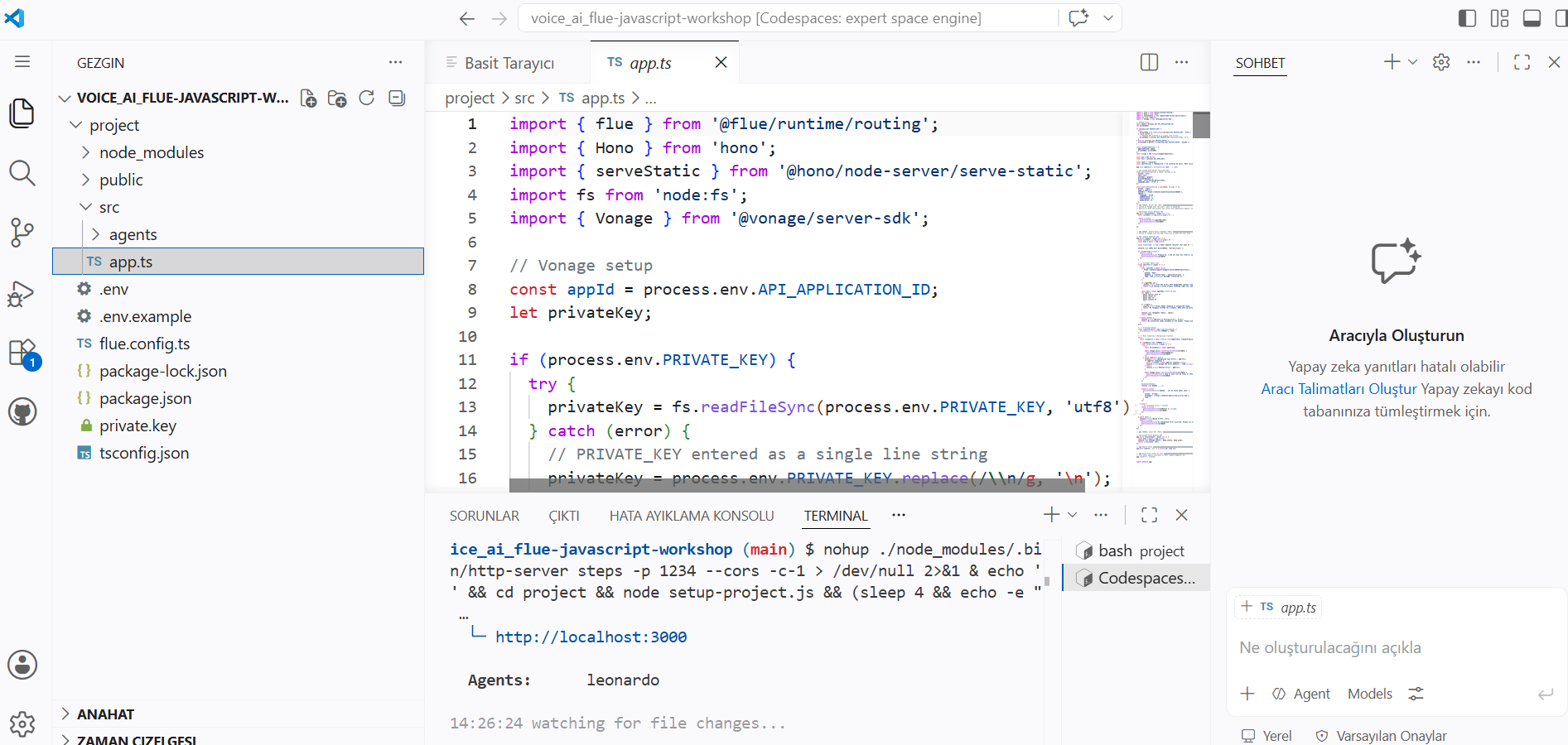
Add Leonardo AI phone agent workshop implementation
“It was super fun to be able to change the voice, tone even accent and mood”
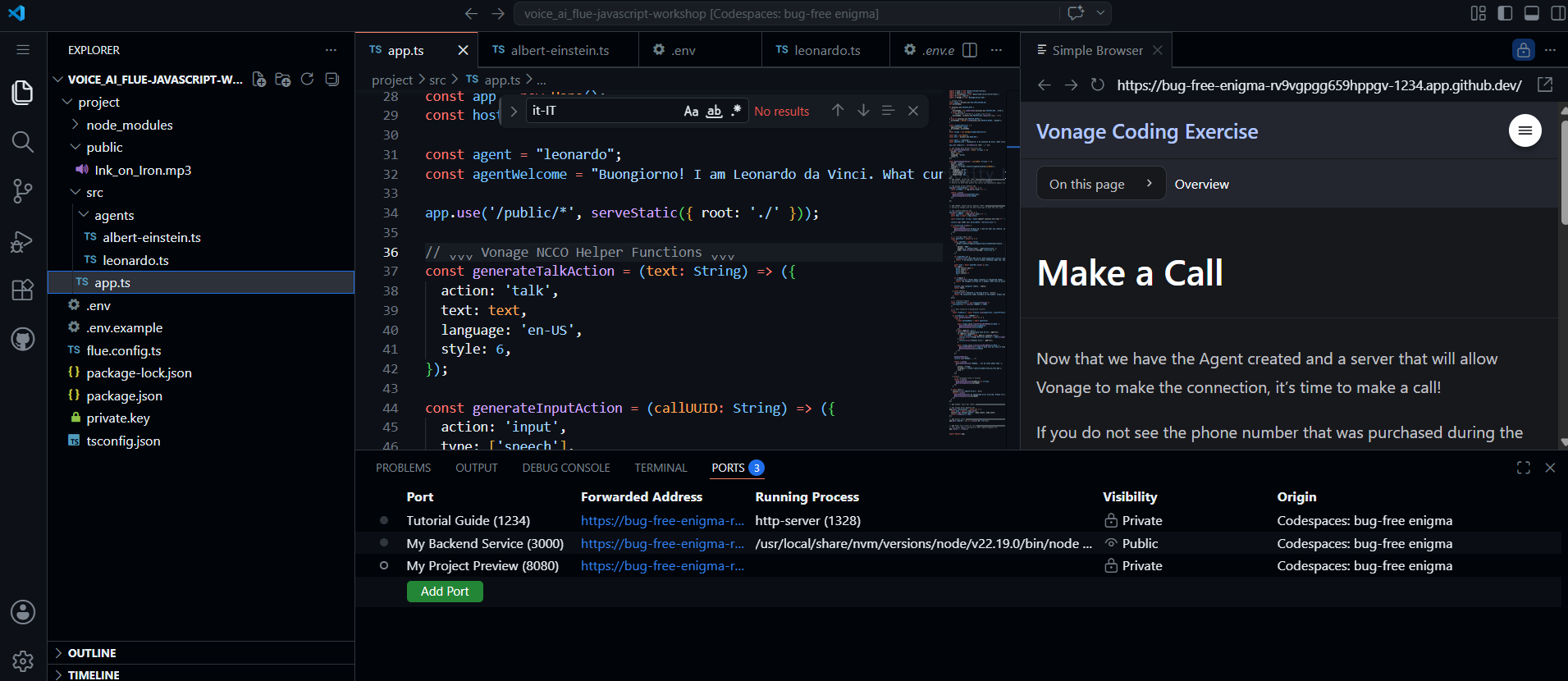
This project creates a telephone-based AI character that lets people call a Vonage phone number and speak with an AI acting as Leonardo da Vinci.
“How easy it has become to mage AI agent with less code using frameworks. That does the heavy lifting”
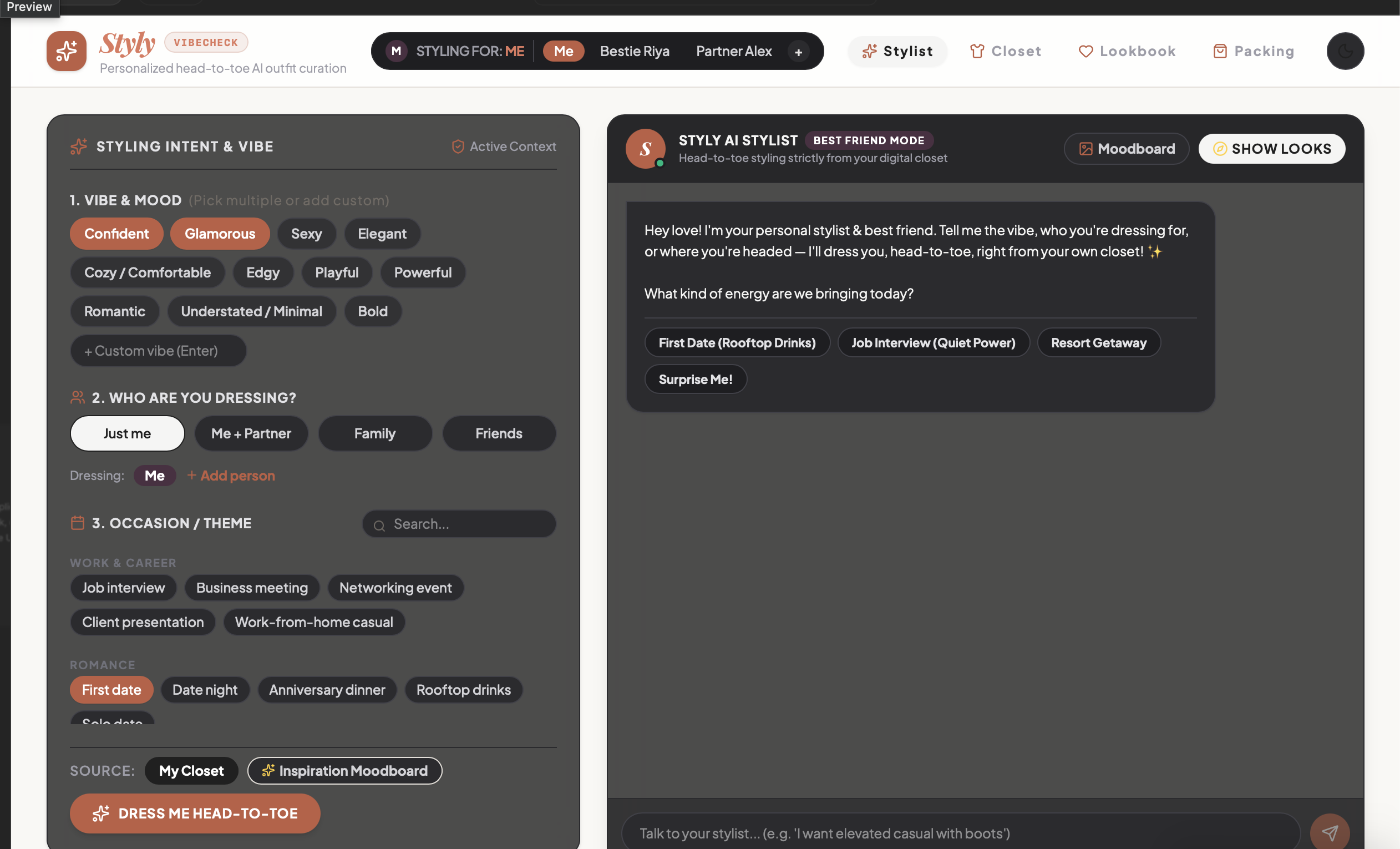
This app is a conversational AI stylist for your closet: it asks about your mood, who you’re dressing for, and the occasion (or trip details), then generates complete, head-to-toe outfits pulled from your own digitized wardrobe — shown as e-commerce-style look cards with Add to Bag, Favorite, and Customize options. It also handles multi-person trip packing (partner/family), weather-aware travel essentials, and destination-only shopping suggestions, all wrapped in a friendly “best friend stylist”
“I assumed the hard part would be the styling logic. It wasn’t, the hard part was getting the AI to remember it already knew you were shopping solo, and to stop asking.”
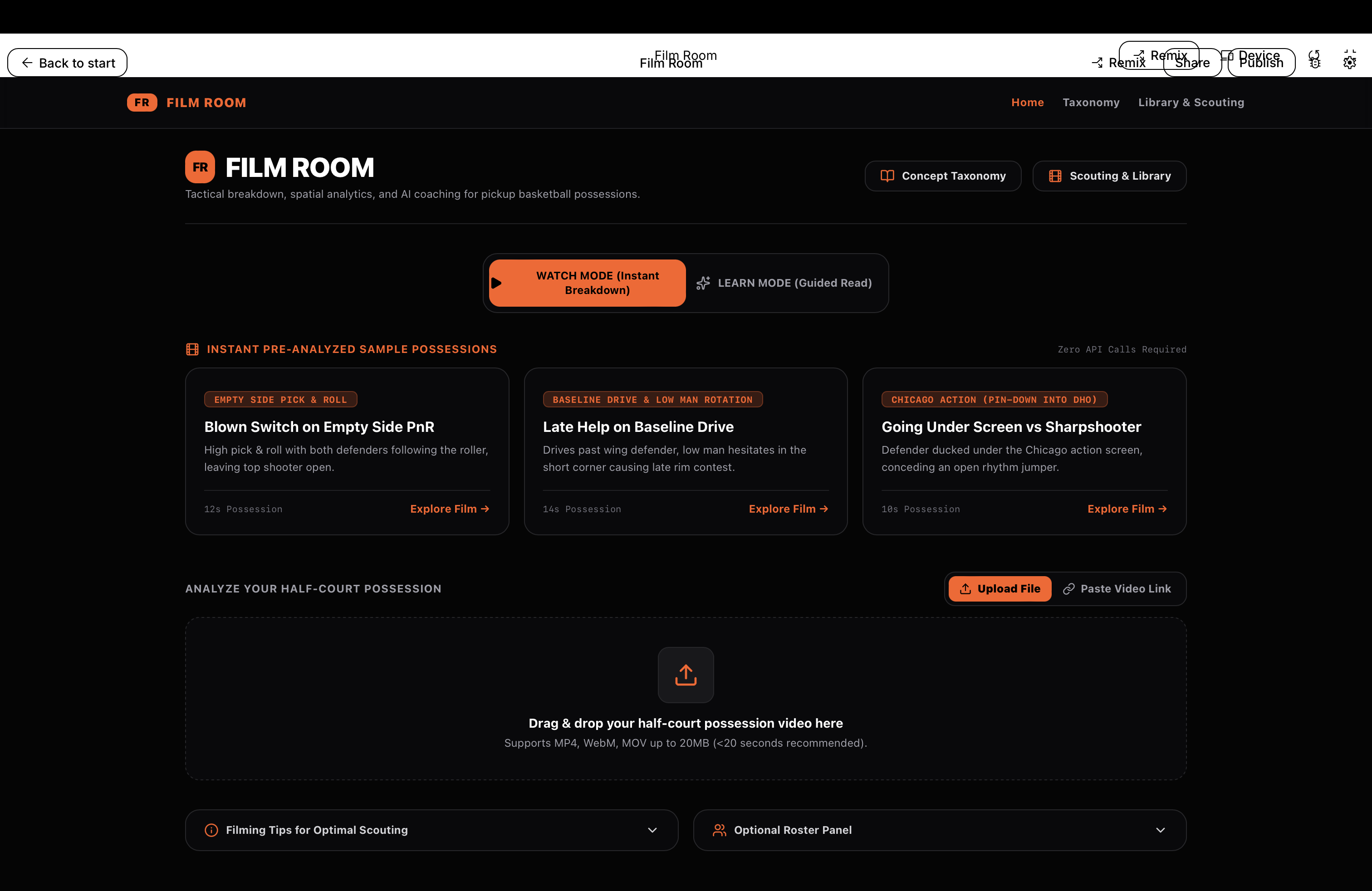
Film Room turns a phone video of one pickup basketball possession into a coach's breakdown — annotated video, real spatial analytics, and a bridge to the NBA action it resembles — so you learn to read the game by studying your own film.
“The model turned out to be far better at reading basketball than at telling my friends apart — it diagnosed the blown switch instantly but couldn't reliably say who blew it, which forced me to design the whole system so the tactical read still holds when player identification fails.”
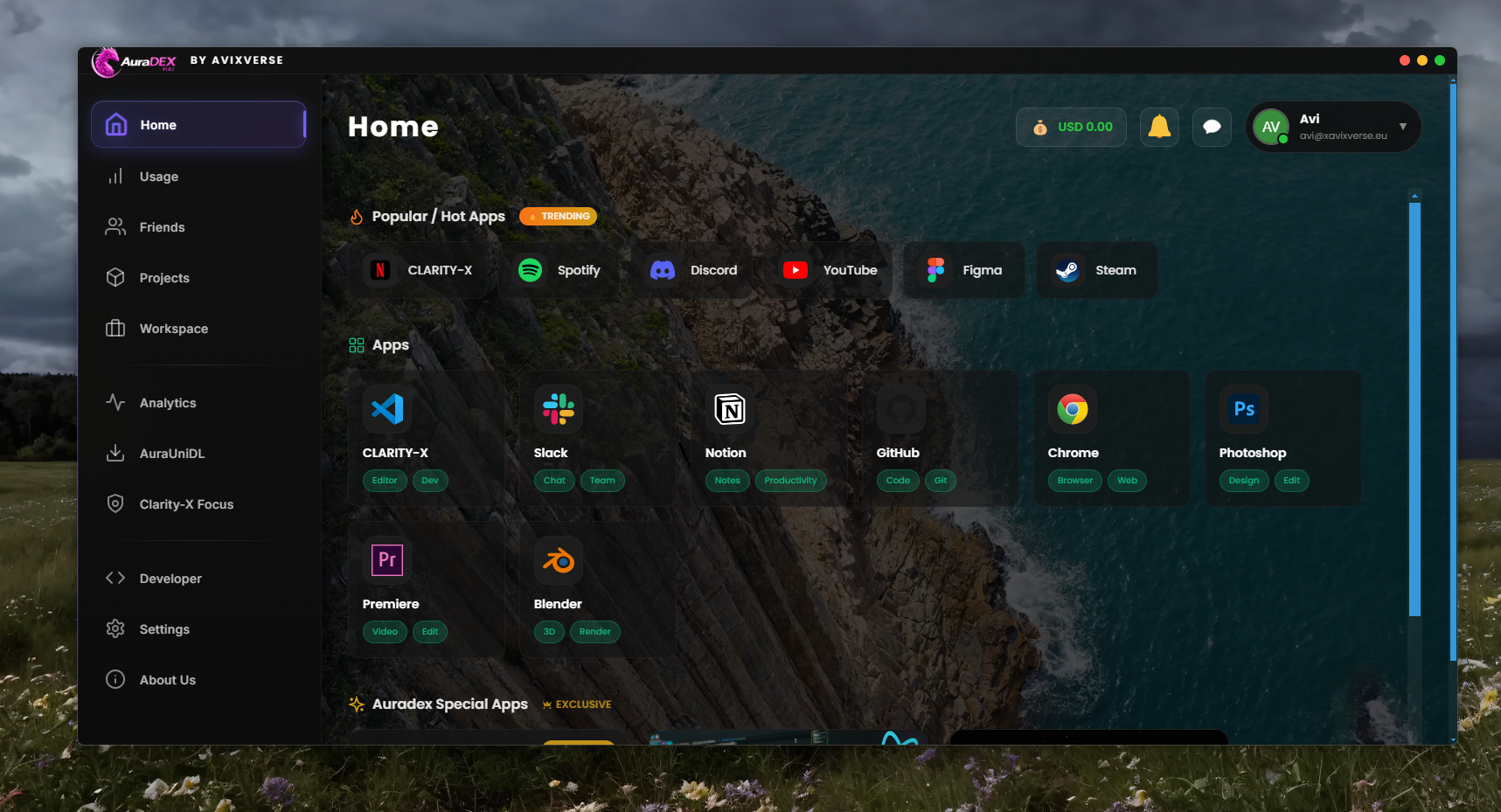
AURADEX is an AI-powered desktop productivity application built with Electron and modern web technologies. It provides an interactive workspace with analytics, project management tools, and AI-assisted features in a single interface. The goal is to help users stay productive while managing projects efficiently.
“I expected the hardest part to be building the interface, but integrating multiple features into a smooth desktop experience was the bigger challenge. I also learned that small performance optimizations can significantly improve the user experience.”


