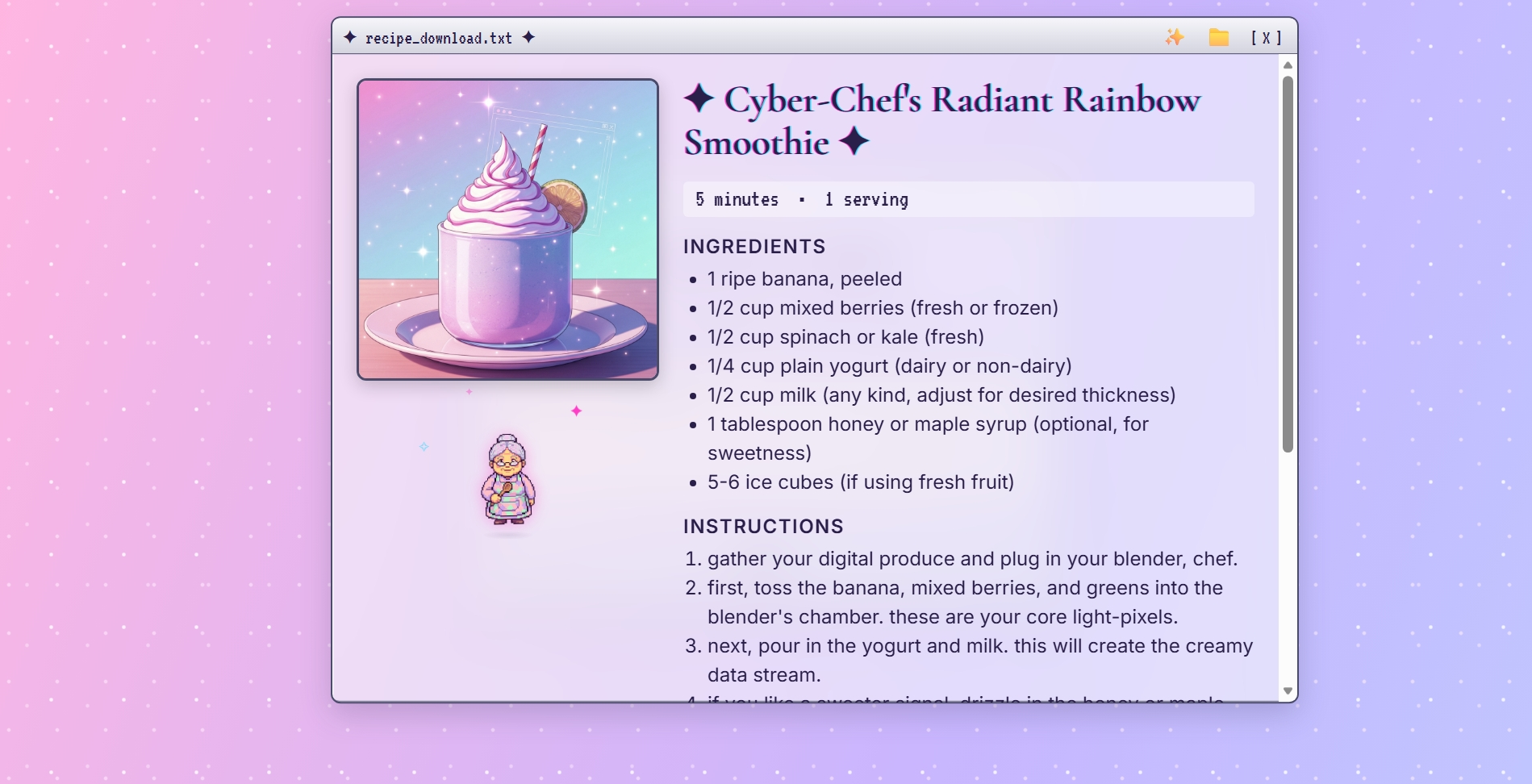
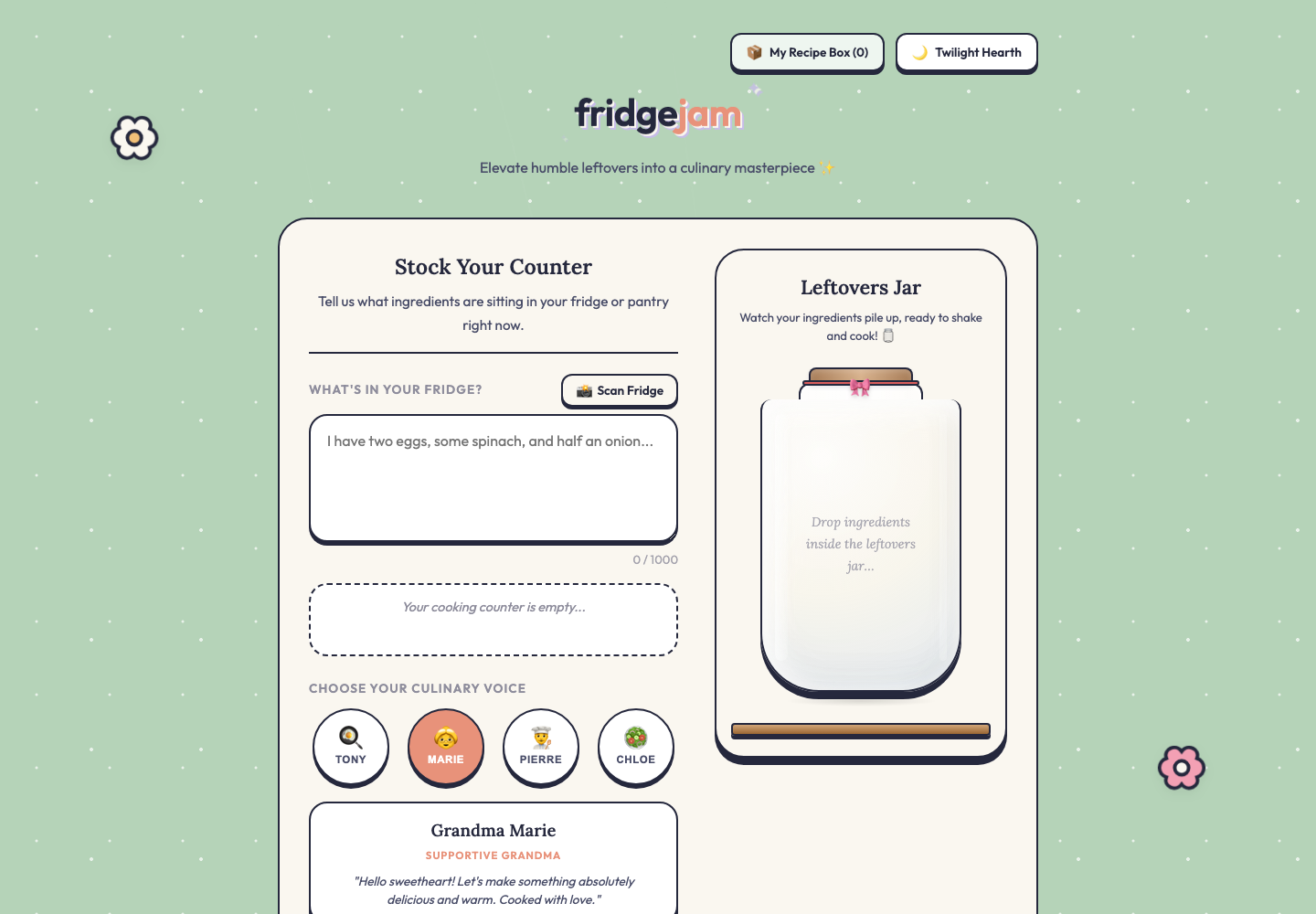
“Typed: tortillas, eggs, salsa, half an avocado. It came back with a breakfast plate I actually made. Photo and all.”
FridgeChef
Type what's in your fridge → one recipe (with food photo).
What it looks like when it’s working
What you’ll build
One text box: 'what's in your fridge?' One button. AI returns one recipe — title, ingredients, steps — plus an AI-generated photo of the dish.
“It actually used my random ingredients. And the photo looks like food.”
While you build
- One recipe back, not three. The constraint is the whole point — you're not building a meal planner today.
- Don't skip the dish photo because text feels safer. The image is what makes the result feel real.
- The AI's culinary voice IS the personality. Is your chef a strict budget planner, a supportive grandma, or a Michelin-starred chef? Pick one and write the prompt for it.
- Resist adding pantry / dietary / budget filters. Those are the polished version — every one of them is its own rabbit hole.
How the night flows
Every Coding Jam follows the same five-phase shape. Talking is short, building is long.
- 0:00 – 0:05Intro
Welcome, name tags, snacks within reach. The facilitator sets the tone: low pressure, high creativity, ship something messy.
- 0:05 – 0:15The Demo
Facilitator demos the polished version of tonight's project. Live or pre-recorded. The message: this is what's possible.
- 0:15 – 0:25Spec Talk
Walk the 5 questions on the projector. The output is a one-page PRD that Antigravity will turn into UI + engineering docs.
- 0:25 – 1:30Build (codelab)
Participants run the codelab. Antigravity writes the code; they direct it. Six phases inside this hour: Setup → Plan → Review → Build → API → Verify. Fix the doc, not the code.
- 1:30 – 2:00Sharing
Three volunteer screen-shares. Celebrate the messy, brilliant, half-finished prototypes. Quick wrap-up. Tease the next jam.
Where to take it after the jam
The 45-minute build is the win in the room. These are the ideas you can pull in over the next week — your homework isn’t homework, it’s the polished version.
- Mode picker (quick / grandma / budget / healthy / fancy)
- Local grocery store integration
- Shopping list generator
- Dietary preferences
- Family meal planner
- Photo input — show your fridge instead of typing
- Save & share recipe gallery
Open one of these in the starter — safety nets, not requirements.
context/image-gen-food.md